
TRADINGVIEW GEX OVERLAY
See the levels that matter, directly on your chart.
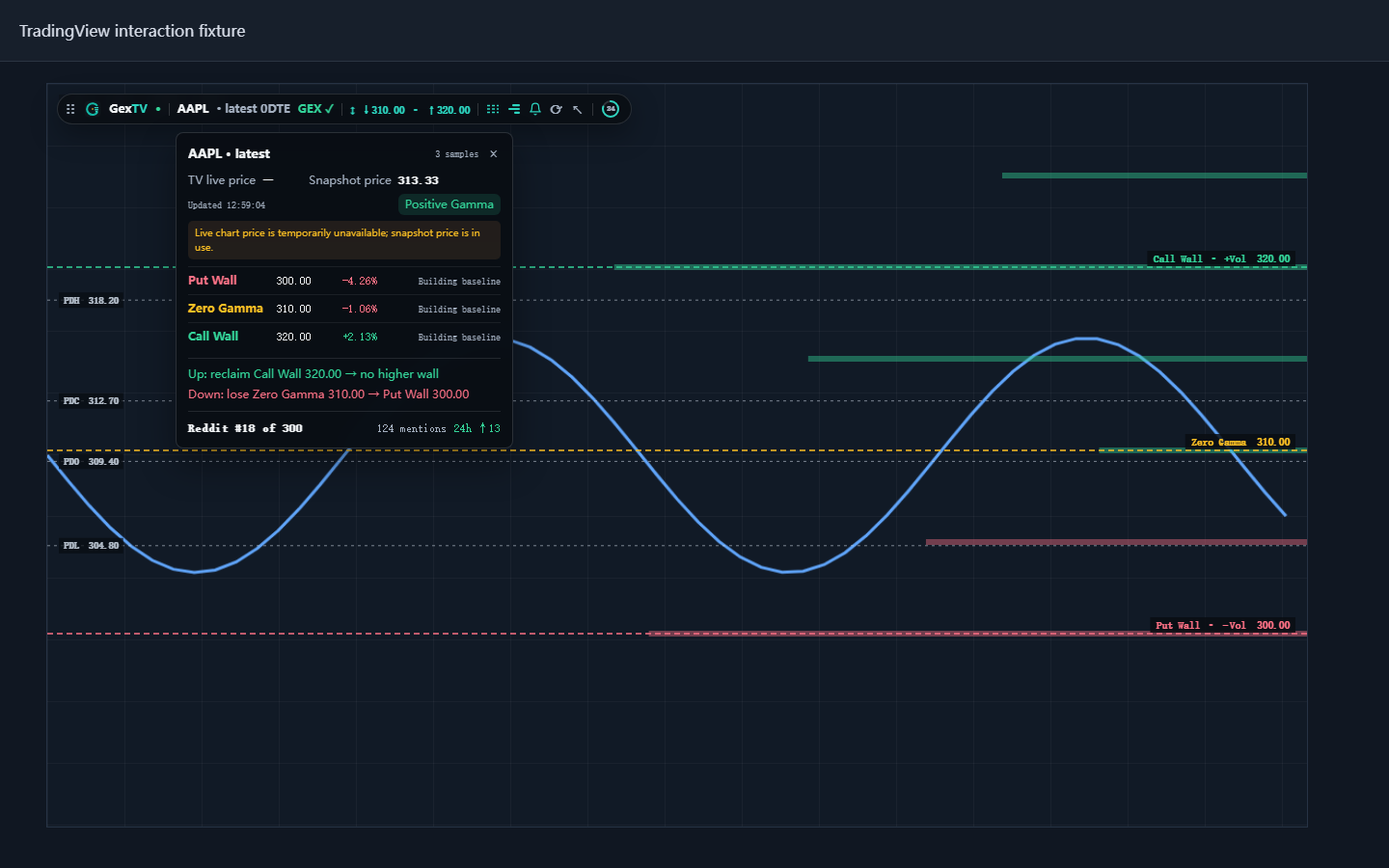
GexTV adds live Gamma walls, clearer Derived Net GEX references, expiry views, and multi-chart workspace controls to TradingView.
SHA-256E884EC2AC48A3243F248C5B5139067CEE10987C2F7C0FBB2BD6E600B5A8E029F
START HERE
Learn the workflow in four short courses
Courses in English and Chinese cover installation, the three primary lines, futures mapping, and troubleshooting. A pinned community post explains the same workflow and common symbol choices. Open GexTV Courses in Whop.
INSTALLATION
Ready in four steps
- 01Download and unzip
Keep the extracted GexTV folder in a permanent location.
- 02Open Chrome extensions
Visit
chrome://extensionsand enable Developer mode. - 03Load the extension
Choose Load unpacked and select the extracted GexTV folder.
- 04Activate with Whop
Get GexTV on Whop if needed, then open Account and choose Activate with Whop.
ChromeManifest V3
LanguageEnglish · Español · 简体中文
AccessActive GexTV membership required
ReleaseEarly Access · 0.4.16 RC7